

Unlock Efficiency With CPA Firm Management Software Features for Accountants
In an increasingly competitive landscape, CPA firms need to adopt solutions that not only streamline their operations but also enhance productivity. CPA practice management software offers a plethora of features designed to optimize workflows, strengthen client relationships, and improve overall firm efficiency. This article delves into the key functionalities that can transform the way accountants manage their practices, answering essential questions about workflow automation, task management, and client interaction strategies. Equipped with these insights, firms can address common pain points such as time inefficiency and compliance management.
We will explore crucial areas such as the significance of workflow automation, the tools that boost client management, and the integration of document and compliance management functionalities. By understanding these facets, accountants can leverage CPA practice management software to unlock their full potential, ensuring streamlined operations and maximized profitability.
Key features of CPA practice management software that enhance efficiency for accountants include:
Several features characterize CPA practice management software that significantly improves efficiency. These features are specifically engineered to streamline accounting workflows, allowing firms to reduce time spent on administrative tasks.
- Workflow Optimization Features: Automate repetitive tasks, freeing up time to focus more on core accounting functions.
- Client Management Tools: Enable better organization of client data and communication, fostering stronger relationships.
- Reporting Capabilities: Generate insightful reports swiftly, aiding in decision-making processes.
- Integration with Accounting Tools: Synchronize with existing accounting solutions to ensure seamless data flow.
The combination of these features improves both time management and operational efficiency, supporting accountants in their daily tasks.
How Does Workflow Automation Enhance Efficiency in CPA Practice Management?
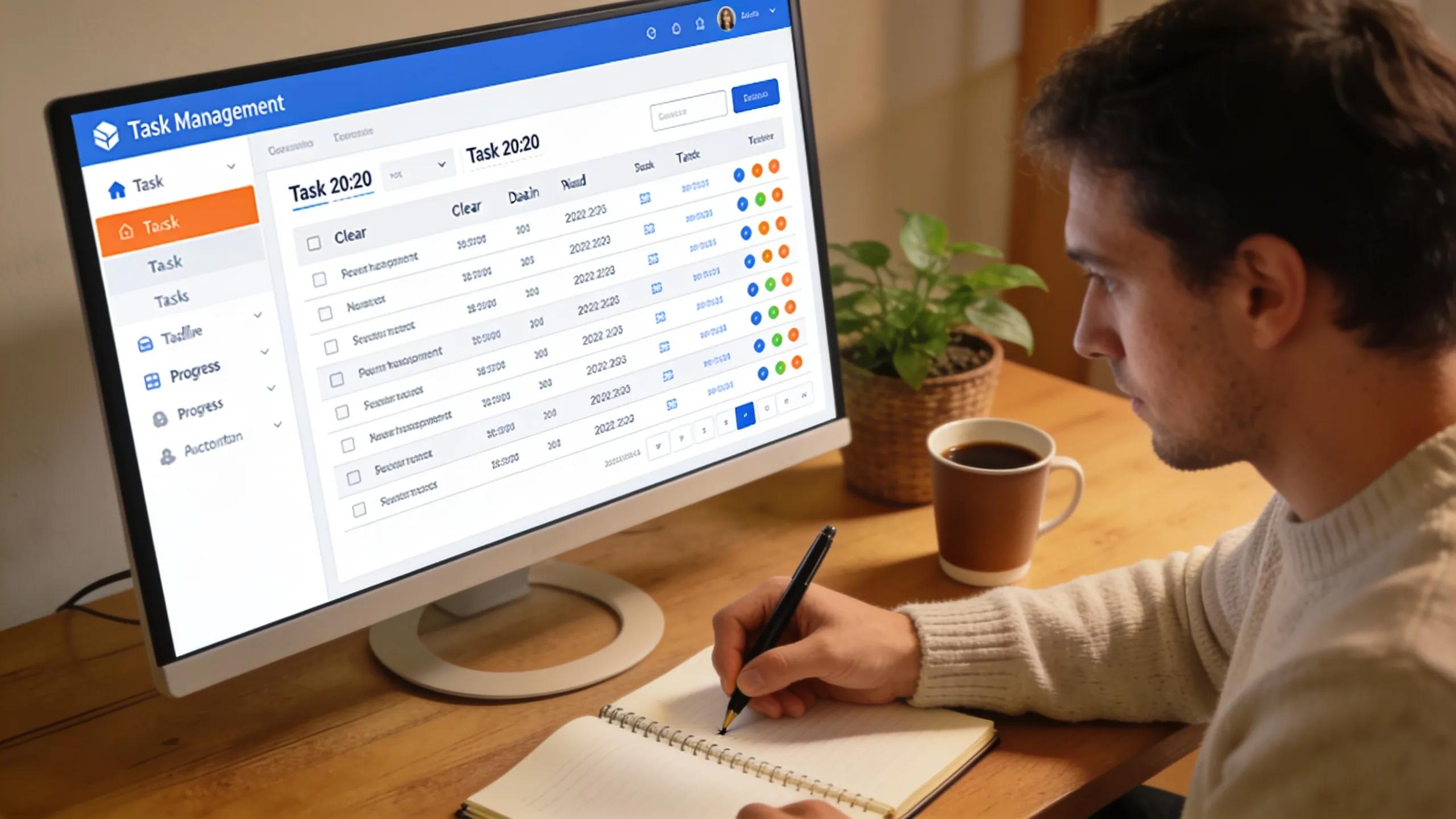
Workflow automation is a game-changer for CPA firms, transforming how tasks are managed and executed. It involves using technology to streamline processes, eliminating manual steps that often lead to errors or delays. For example, automated task assignments and deadline tracking reduce the workload of team members while ensuring that projects move forward efficiently.
Additionally, firms can save valuable time and reduce costs through automation, as repetitive tasks become managed by software rather than staff. Improved accuracy also enhances the quality of work, leading to better client outcomes and stronger relationships. The integration of real-time insights produced by automated systems allows for swift adjustments, which are vital for keeping pace with client needs and market changes.
Embracing a digital practice model, as discussed in the following citation, is key to achieving new levels of CPA workflow efficiency through strategic technology deployment and workflow automation.
CPA Workflow Efficiency Through Digital Practice Models
advisor to CPAs in the planning and deployment of effective technology solutions and workflow automation. This aids them in the transformation to a digital practice model that features 10 Steps to a Digital Practice in the Cloud: New Levels of CPA Workflow Efficiency, 2017
What Workflow Automation Features Should CPA Firms Consider?
When selecting a CPA practice management software, firms should prioritize certain workflow automation features that specifically cater to their operational needs. These features contribute to enhanced efficiency and better project management.
- Automated Task Management: This feature helps in assigning and tracking tasks effectively without human error.
- Project Monitoring: Tools that provide visibility into project statuses can prevent bottlenecks and ensure timely completion.
- Centralized Data Management: A single platform for data storage minimizes the risk of data loss and streamlines access for all team members.
- Role-Based Dashboards: Customizable dashboards allow team members to view information relevant to their roles, improving focus and productivity.
By incorporating these features, CPA firms can achieve a more organized workflow that aligns with their strategic goals.
How Workflow Automation Improves Task Tracking and Collaboration
Effective task tracking is crucial for CPA firms to ensure deadlines are met and projects stay on budget. Automation tools facilitate automated reminders and updates that keep everyone informed about individual responsibilities and deadlines. This proactive approach to tracking significantly enhances collaboration among team members.
Moreover, centralized data accessibility allows teams to collaborate effectively, as all members can access the necessary information when they need it. Enhanced communication facilitated by automation ensures that team members are aligned on project statuses, leading to smoother project execution.
The experiences of other CPA firms, as highlighted in this citation, demonstrate the practical benefits and considerations when implementing workflow automation in tax and accounting practices.
Workflow Automation in CPA Firms: A Case Study
This paper discusses experiences of a prominent mid-size CPA firm in a large -size accounting firm in a large southern US city as it worked to automate its tax and accounting practices. Addressing resistance to workflow automation, 2012
Which Client Management Tools Optimize CPA Firm Productivity?

Client management tools are vital inclusions in CPA practice management software, driving productivity to new heights by streamlining interactions and organization of client information. These tools can address significant challenges firms face in maintaining effective client relationships.
- Centralized Management Tools: A comprehensive client database facilitates easy access to all pertinent information.
- Role-Based Dashboards: These dashboards support tailored views for team members, which enables them to prioritize tasks effectively.
- Automation Capabilities: Automated reminders for follow-ups help maintain consistent communication with clients.
- Enhanced Communication Tools: Integrated messaging platforms enable quick and efficient communication between team members and clients.
The deployment of these tools ensures that CPA firms can manage client relationships more effectively, ultimately enhancing their service provision. A robust practice management solution can integrate these features seamlessly.
How Integrated CRM Supports Seamless Client Communication and Management
An integrated Customer Relationship Management (CRM) system is crucial for enabling seamless client communication and management in CPA firms. It ensures that all client interactions are documented and easily accessible, facilitating a more organized approach to client relations.
By maintaining a centralized client database, CPA firms can improve task management by linking client communication directly to project timelines. Automated client onboarding processes streamline initial interactions and reduce the time taken to onboard new clients. This capability not only enhances operational efficiency but also lays the foundation for long-term client relationships. Leveraging specialized systems can significantly enhance this process, offering comprehensive CPA firm management software.
As detailed in this citation, the adoption of CRM systems in accounting offers significant advantages in managing client relationships by integrating a comprehensive business philosophy with focused software solutions.
Enhancing Client Relationships with CRM in Accounting
The concept of CRM (Customer Relationship Management) will be presented as a comprehensive business philosophy that enables the improvement of the relationship between the provider and the user of accounting services. CRM systems are a synthesis of software and business philosophy that focus on the specific customer requirements. Recognizing the benefits offered by these systems allows accounting service providers to obtain relevant information about their clients’ characteristics. Benefits of using CRM (Customer Relationship Management) by Accounting Services Providers, 2021
What Are the Benefits of Centralized Client Data for CPA Teams?
Centralized client data presents multiple advantages for CPA teams, playing a pivotal role in enhancing efficiency and collaboration within the firm.
- Streamlined Access to Data: Quick access to relevant client information allows for faster decision-making and reduced response times.
- Enhanced Collaboration: With all team members able to view client data, collaboration is naturally improved, leading to better client service.
- Automation of Routine Tasks: Centralized data facilitates automating routine administrative tasks, allowing team members to focus on higher-value activities.
Overall, centralized client data fosters a more cohesive working environment and increases overall team productivity.
What Document and Compliance Management Features Drive CPA Firm Efficiency?
Document and compliance management features are essential for CPA firms aiming to enhance efficiency and remain compliant with regulations. These functionalities allow firms to manage important documents securely and efficiently.
- Cloud Document Management: This ensures documents can be accessed securely from anywhere, boosting accessibility for all team members.
- Automated Compliance Tools: Tools that automatically update compliance requirements help firms to stay ahead of regulatory changes.
These features not only secure sensitive information but also promote a culture of compliance within the firm.
How Does Cloud-Based Document Management Enhance Security and Accessibility?
Cloud-based document management systems offer robust security features crucial for safeguarding sensitive client information. They provide layered security measures, including encryption and multi-factor authentication, which protect data from unauthorized access while still allowing convenient access for staff.
Moreover, the flexibility of cloud systems enhances accessibility, as documents can be retrieved from various locations and devices. This adaptability ensures that CPA teams remain productive regardless of their physical location.
Why Is Compliance Management Integral to CPA Practice Software?
Compliance management is a fundamental aspect of CPA practice management software, as it ensures firms adhere to industry regulations and avoid potential legal issues. By automating compliance monitoring, firms can efficiently track regulatory changes and implement necessary adjustments to remain compliant.
This proactive approach not only reduces risks associated with non-compliance but also enhances operational efficiency by minimizing the time spent on manual compliance checks. Integrated compliance management tools provide a systematic approach to meeting regulations, further promoting a culture of accountability within the firm.
What Time Tracking and Task Management Features Improve CPA Firm Performance?
Effective time tracking and task management are crucial for improving CPA firm performance, particularly in billing and resource allocation. High-performing firms utilize software features that enhance their ability to track time accurately and manage tasks efficiently.
- Time Tracking Accuracy: Automated systems allow professionals to track billable hours easily, ensuring appropriate compensation.
- Automated Billing Systems: Quick and accurate billing processes foster client trust and ensure timely payments.
These functionalities directly contribute to improved profitability and resource management within CPA firms.
How Real-Time Task Tracking Supports CPA Workflow Optimization
Real-time task tracking is an essential feature for optimizing workflows within CPA firms. It offers immediate visibility into project statuses, allowing team members to adjust their efforts based on current workloads.
Automated reminders and alerts enhance accountability, as team members are notified of upcoming deadlines. This immediacy allows for better time management and resource allocation, leading to smoother project execution and improved client satisfaction.
What Role Does Time Management Play in Enhancing CPA Firm Profitability?
Time management is intrinsically linked to profitability in CPA firms. Efficiently managing time allows accountants to maximize billing opportunities while reducing the time spent on non-billable tasks.
By incorporating effective time tracking and task management systems, CPA firms can foster better predictions regarding resource allocation. This strategic approach not only streamlines firm operations but also aligns with the overarching goal of maintaining healthy profit margins.
